
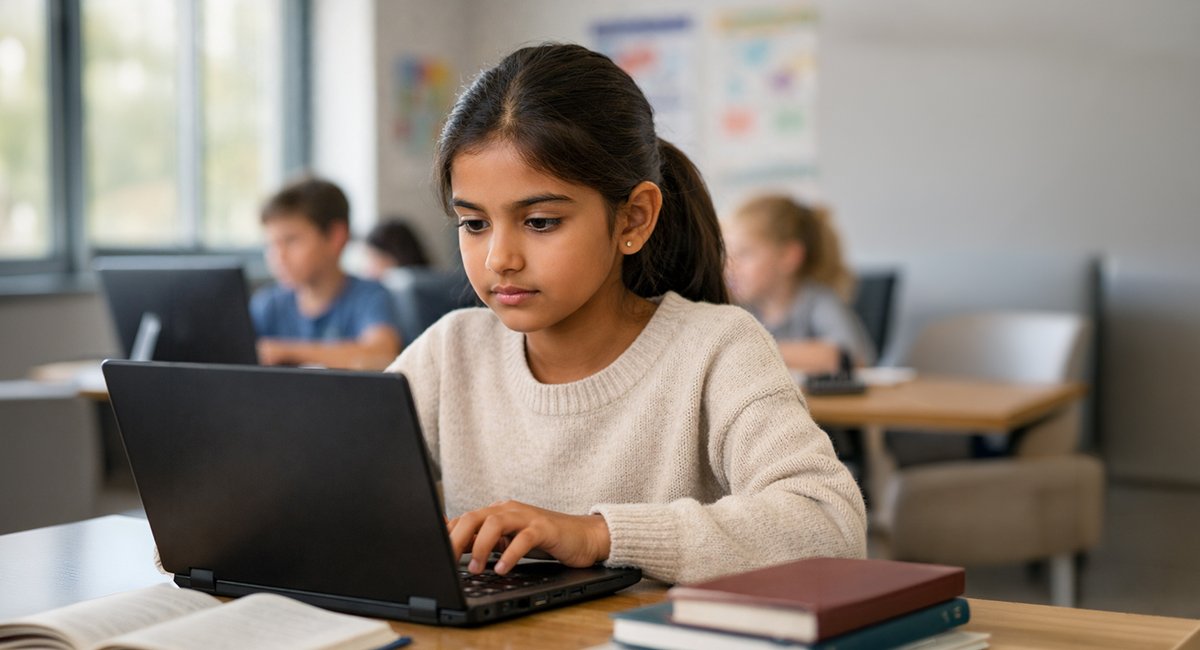
Digital Safety Tips Every Student Should Know
Technology plays an important role in students’ lives today. It supports learning, creativity, communication, and collaboration. When used responsibly, it empowers students. When used carelessly, it can lead to confusion, stress, or harm.
For today’s students, the internet is not a separate world. Online classes, social media, gaming platforms, and messaging apps are part of everyday life. This digital access brings tremendous opportunity, but it also calls for awareness and responsibility. As educators and parents, we see both the benefits and challenges of this digital shift every day.
According to reports and advisories by organisations such as UNICEF, LocalCircles India, and national cybercrime units, many children are exposed to online risks such as unsafe content, cyberbullying, data misuse, and online scams. Most of these incidents occur on social media platforms, gaming chats, and messaging apps.
Digital safety is not about fear or restriction. It is about helping students make informed choices so they can explore the digital world confidently and responsibly.
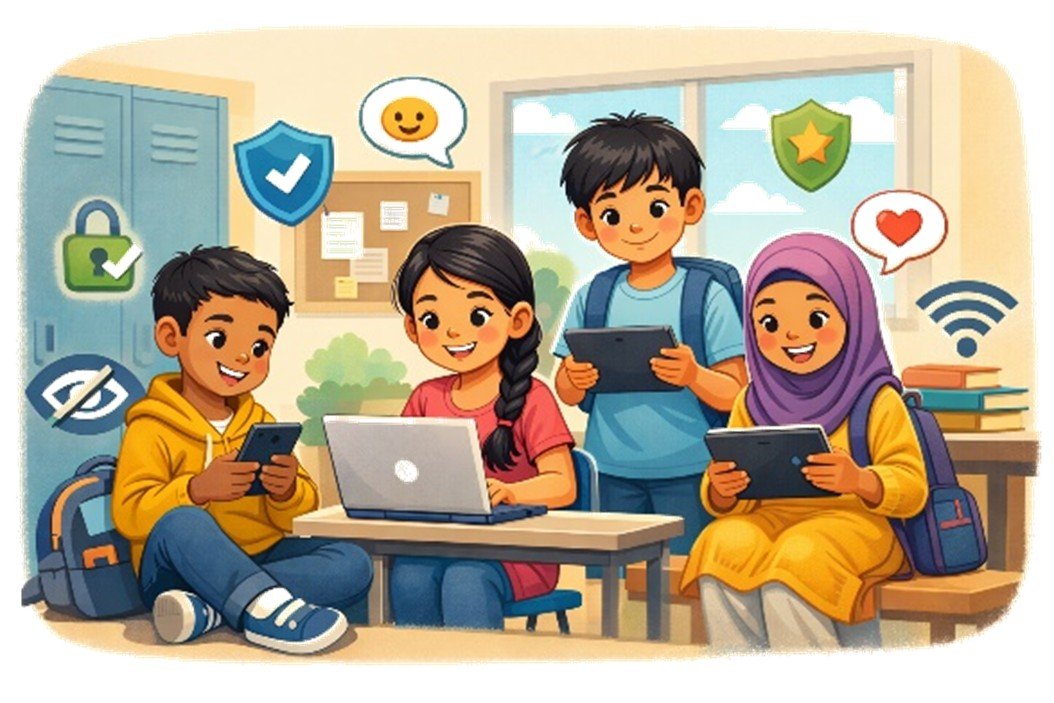
What Is Digital Safety for Students
Digital safety means using the internet and digital devices in ways that protect personal information, emotional well-being, and overall security. It includes understanding what is safe to share, how to interact respectfully online, and how to respond when something feels uncomfortable or unsafe.
In simple terms, digital safety helps students enjoy technology while reducing risk
Why Online Safety Is Important for Students Today
Students today spend more time online than ever before for learning, entertainment, and social connection. Increased screen time also increases exposure to risks such as cyberbullying, scams, misuse of personal data, and unhealthy digital habits.
Unsafe digital behaviour can affect emotional well-being, academic focus, and personal privacy. Learning about digital safety early helps students recognise warning signs, make responsible decisions, and seek help when needed.
Protecting Personal Information Online
Personal information includes names, photographs, school details, locations, phone numbers, and login credentials. Once shared online, this information can be copied, misused, or taken out of context
-
Example
Cybercrime reports in India have highlighted cases where publicly shared photographs of children were misused online, causing distress to families.
-
Key Message:
Students should keep accounts private and avoid sharing identifiable personal details online.
Creating Strong Passwords and Keeping Them Safe
Passwords protect online accounts, learning platforms, and private data. Weak or shared passwords make accounts vulnerable to misuse.
Students should use strong passwords that are difficult to guess, avoid reusing the same password across platforms, and never share passwords with friends. Writing passwords in notebooks or saving them on shared devices should be avoided
-
Key Message:
A strong password is a student’s first layer of digital protection
Being Careful With Online Forms and Apps
Many apps, games, and websites ask students to fill out forms or grant access to personal data. While some permissions are necessary, others may collect more information than required.
Students should avoid signing up on unknown platforms, review basic permission requests, and ask an adult before sharing personal details.
-
Key Message:
Not every form needs to be filled, and not every app needs full access.
Safe Social Media Use for Students
Social media platforms such as Instagram, WhatsApp, and Snapchat allow students to connect, share ideas, and express themselves. While these platforms offer many benefits, careless sharing or unsafe interactions can affect emotional well-being and privacy.
Students should understand that online behaviour has real-world consequences and that respectful communication is as important online as it is offline.
Thinking Before Posting or Sharing Content
Every post, comment, image, or video contributes to a student’s digital footprint. Even content that is deleted can be saved, forwarded, or shared by others
Before posting, students should pause and consider whether the content could be misunderstood, shared beyond their control, or cause discomfort to themselves or others
-
Key Message:
Once something is shared online, it may stay online longer than expected
Managing Friend Requests and Online Strangers
Not everyone online is who they claim to be. Fake profiles and unknown contacts are common on social media and messaging platforms
Students should avoid accepting friend requests from people they do not know personally and should never feel pressured to reply to unfamiliar messages. Blocking or reporting suspicious accounts is always a safe choice.
-
Key Message:
Online connections should be chosen carefully, just like real-life friendships
Cyberbullying Awareness and Prevention
Cyberbullying includes teasing, threats, exclusion, or repeated hurtful messages shared through digital platforms. Unlike offline bullying, cyberbullying can happen at any time and reach a wide audience.
Awareness, empathy, and early intervention help prevent harm and create safer digital spaces for students
How to Respond to Cyberbullying
If cyberbullying occurs, students should avoid responding to hurtful messages, save evidence such as screenshots, and use platform tools to block or report the user.
Speaking to a trusted adult, teacher, or school counsellor ensures timely support and appropriate action.
-
Key Message:
Cyberbullying should never be faced alone. Seeking help is a sign of strength.
Safe Online Gaming and Chat Platforms
Online games often include chat or voice features that allow interaction with other players. While gaming can be enjoyable, unmonitored communication increases risk.
Protecting Privacy While Gaming
Students should avoid sharing personal details during gameplay, use privacy settings, and limit interactions with unknown players.
-
Key Message:
Gaming should remain a safe and enjoyable activity
Avoiding Scams and Fake Links in Games
Some games include messages offering free rewards, upgrades, or exclusive items. These offers often lead to fake links or attempts to steal information.
Students should avoid clicking on unknown links, downloading unofficial add-ons, or sharing login details.
-
Key Message:
If a game offer seems rushed or too good to be true, it is best ignored.
Recognising Online Scams and Phishing Attempts
Scams often appear as urgent messages, fake rewards, or emails that appear to come from trusted platforms. Students are frequent targets because such messages can look convincing.
Identifying Fake Websites and Messages
Warning signs include spelling errors, unfamiliar website addresses, urgent language, or requests for personal information.
-
Key Message:
Pausing before clicking helps students spot online risks more easily.
Responsible Internet Usage and Screen Time Balance
Digital safety also includes mental and physical well-being. Excessive screen time can affect sleep, concentration, and emotional health. Healthy digital habits focus on balance rather than constant connectivity
Online Learning Safety and Digital Classroom Etiquette
Virtual classrooms should be treated with the same respect and privacy as physical classrooms. Class links should not be shared outside authorised groups, and respectful behaviour should be maintained during online sessions
Role of Schools in Promoting Digital Safety
Schools play a key role in promoting digital safety through awareness programmes, clear digital policies, and classroom discussions. By encouraging responsible behaviour and providing safe reporting channels, schools help students navigate online spaces confidently
How Parents Can Support Digital Safety at Home
Children benefit most when schools and families work together. Parents can support digital safety by:
-
Talking regularly about online experiences
-
Encouraging children to speak up when unsure
-
Setting age-appropriate screen time boundaries
-
Using parental controls as guidance tools, not surveillance
-
Modelling respectful digital behaviour
When children feel supported, they are more likely to make safe choices.
Simple Internet Safety Tips Students Should Practice Daily
-
Keep personal information private
-
Think before posting or sharing
-
Use strong, private passwords
-
Be cautious with links, apps, and online forms
-
Speak up if something feels uncomfortable
-
Balance screen time with offline activities
Final Thoughts on Digital Safety for Students
Digital safety is not about limiting curiosity. It is about guiding it. When students learn to protect themselves, behave responsibly, and seek help when needed, technology becomes a tool for growth rather than risk
With awareness, open communication, and simple daily habits, students can explore the digital world with confidence and care
